UPDATE: MyCOMPANY 2.16.0
New peripheral management for JA-100+
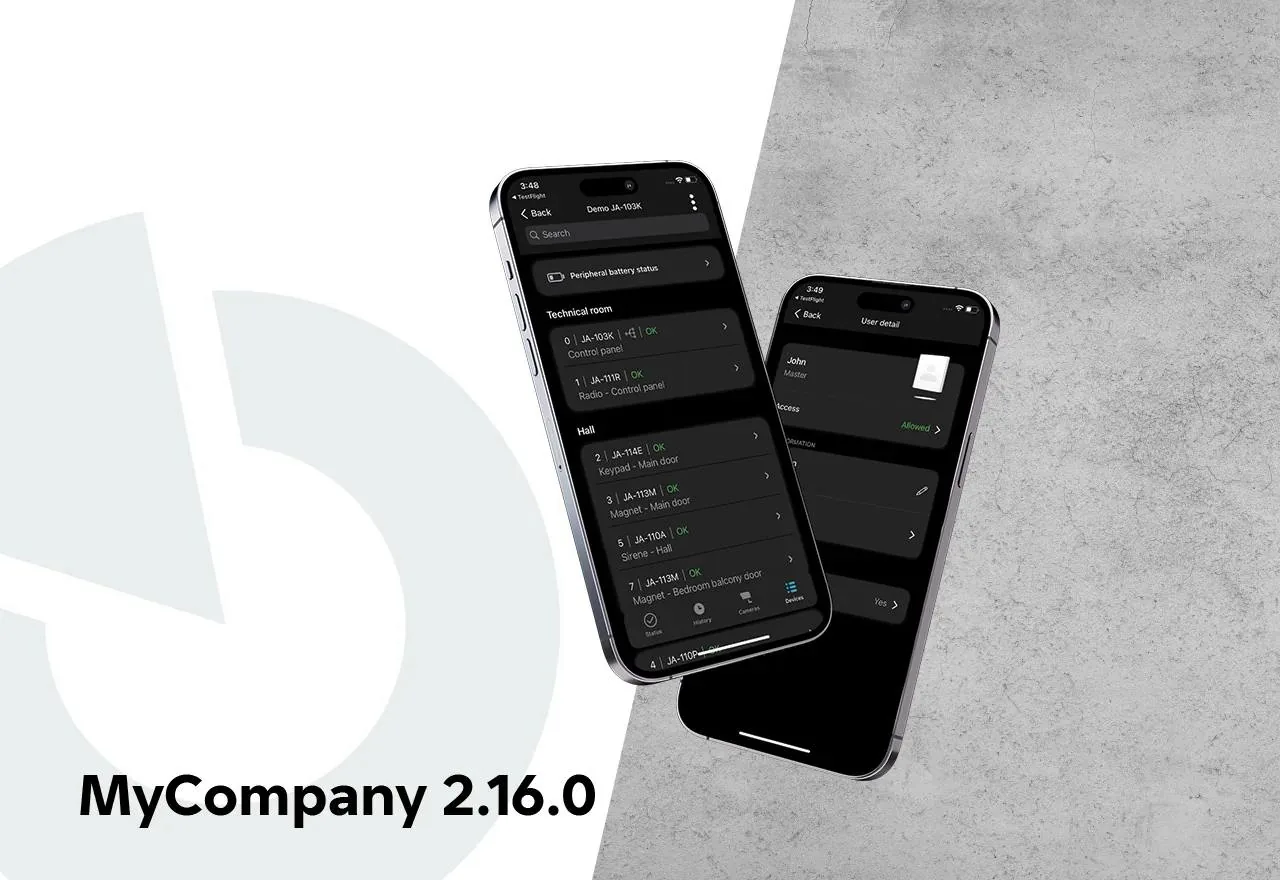
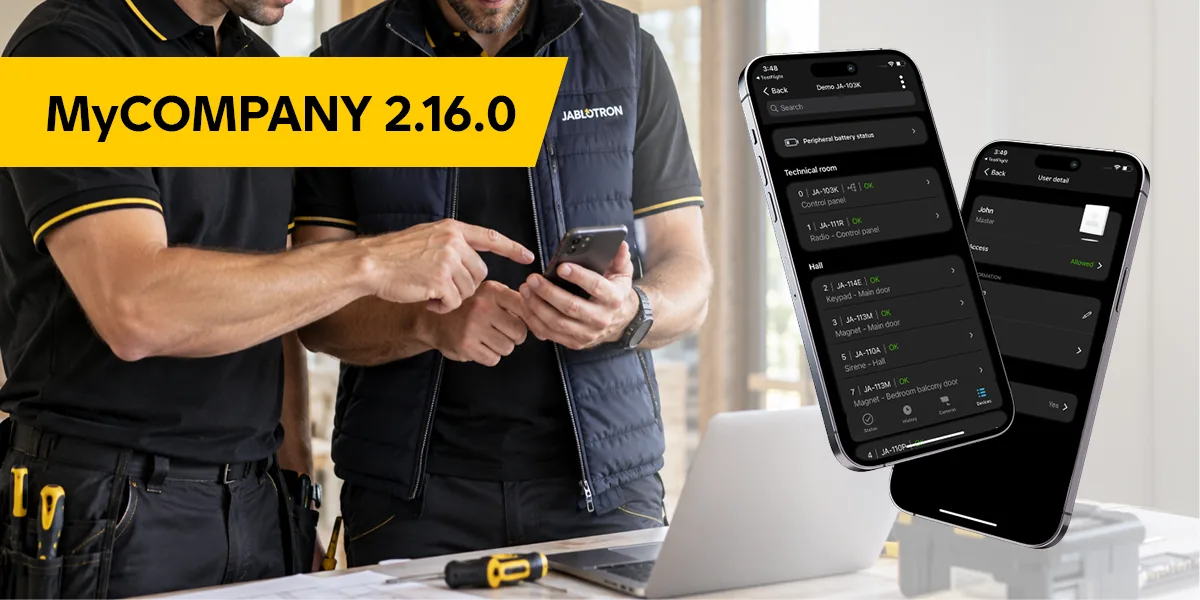
MyCOMPANY 2.16.0 brings new peripheral management for JA-100+ control panels — the same one you know from JABLOTRON Mercury. It shows you more about a peripheral without sending you somewhere else.
Alongside it come battery management with export and more reach for JA-100+ control panels. The rest of the release is fixes.
What's new?
Peripheral management for JA-100+
-
After PIN verification you get the JABLOTRON Mercury-style peripheral overview — more information in the list and in the peripheral detail.
-
Internal setup of a thermostat, thermometer and controlled PGs has a new look.
-
You rename a peripheral directly in its detail, without going back to the list.
User management for JA-100+
-
Version 2.16.0 adds basic user management: user list and detail, editing the name, phone numbers, and allowing or blocking a user's access. The detail also shows the user's permission level and whether an access code and card are set.
-
A future version will also extend user management: editing the access code, adding and removing users without the current limits, editing a user's permissions, setting access rights to sections and PG outputs, and assigning a user to a group with time-limited access (the access times themselves are still set in F-Link).
Batteries
-
The battery list of an installation exports in two taps — you have what you need for an order and for a service trip.
-
The JABLOTRON Mercury peripheral detail shows the number and type of batteries. You know what to bring before you drive out.
JA-100
- On Android, the peripheral list and peripheral detail are now available for JA-100 control panels.
Small things that save time
-
The registration form checks the format of the phone number and other fields as you type.
-
When your session expires, the app asks you to verify again instead of showing an empty screen.
-
On iOS, the app asks before discarding unsaved changes in thermostat or thermometer settings.
What's fixed?
Stability
-
On iOS the app crashed on entering History and on returning to the installation list; on Android it crashed when a fault was displayed in an AURA installation detail. Fixed.
-
On iOS the app could crash or lose data without any error message when writing from several places at once. Fixed.
-
On iOS the app froze on the installation list after returning from a detail. Fixed.
Control panels and peripherals
-
A JA-100 control panel could not be deactivated. Fixed.
-
The peripheral list of a JA-100 control panel showed PGs that do not belong there. Fixed.
-
On JABLOTRON Mercury installations with fewer than four sections, controlling a PG from the keypad only worked on the second attempt. Fixed.
-
A JABLOTRON Mercury installation detail stopped responding after a longer idle period until you signed in again. Fixed — the session now renews itself.
Various fixes
-
On Android, returning from thermostat settings to the peripheral list asked for the panel code again.
-
On iOS, a phone number and an access code could not be removed in user management.
-
On iOS, Device management could not be opened from the code entry dialog.
-
On iOS, an unconfigured thermostat offered a Ventilation item.
-
An error message referred to Jablotron Alarms, a brand that no longer exists.
-
Display details: the number of configured notifications, alignment of the New installation button on tablets, the loading indicator in Device management, the separator in a thermometer's PG list, keyboard and status-bar behaviour on the installation list, and the swipe-back gesture on iOS.