PLV-JA111R
JA-111R housing
Plastic cover for the JA-111R radio module. Allows the module to be mounted outside the control unit enclosure. Installation accessory.
Key specifications
- Dimensions
- 43 x 160 x 23 mm
- Weight
- 50 g
- Environment
- II. indoor, general (in accordance with EN 50131-1)
- Operating temperature range
- -10 °C to +40 °C
Basic description
- Mounting of the JA-111R module outside the control unit.
- Dimensions 43 × 160 × 23 mm. For indoor environments.
Why choose this product
Radio module cover
The cover allows the JA-111R radio module to be mounted outside the control unit enclosure, for example when the radio module is supplied as part of a kit. It is a mechanical accessory, not a stand-alone radio module. Dimensions are 43 × 160 × 23 mm.
- For the JA-111R radio module
- Dimensions 43 × 160 × 23 mm, 50 g
- For indoor environments, installed by a technician
Frequently asked questions
For mounting the JA-111R radio module outside the control unit enclosure. The cover itself does not communicate; it is a mechanical accessory.
Technical specifications
- Dimensions
- 43 x 160 x 23 mm
- Weight
- 50 g
- Environment
- II. indoor, general (in accordance with EN 50131-1)
- Operating temperature range
- -10 °C to +40 °C
Warning
- Always connect the bus with the system power completely switched off. The cover is an accessory, not a radio module, receiver or bus peripheral. The radio parameters, number of positions and power supply belong to the JA-111R module.
Installation example
Remove the radio module from the holder in the control unit: disconnect the connecting cable, lift both latches and slide the module out.
Open the cover by pressing the latch.
In the rear part of the cover, break out the openings for the bus cable: only the bottom one if the cable comes out of the wall, or the side one as well if it is surface-run.
Pull the bus cables through and screw on the rear part of the cover; one screw must always go through the segment that detects removal from the mounting surface.
Snap the radio module electronics into the front part of the cover.
Slide out the plug-in part of the terminal block, connect the bus cable to it and slide it back into the module.
Close the cover; the bus cable must stay only in the space separated by the partition.
Related products
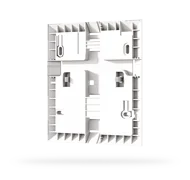
JA-105PL
Surface mounting plate for JA-115E and JA-155E
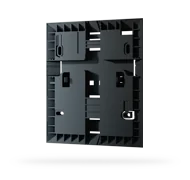
JA-105PL-AN
Surface mounting plate for JA-115E and JA-155E - anthracite
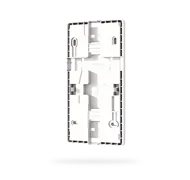
JA-106PL
Surface mounting plate for JA-116E and JA-156E
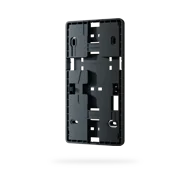
JA-106PL-AN
Surface mounting plate for JA-116E and JA-156E
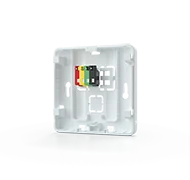
PLV-JB11XTX
Backplate for surface mounting of BUS thermostat/sensor
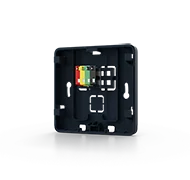
PLV-JB11XTX-AN
Backplate for surface mounting of BUS thermostat/sensor - anthracite
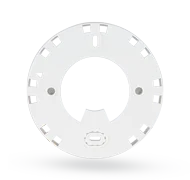
PLV-P-ST
Universal ceiling circular spacer
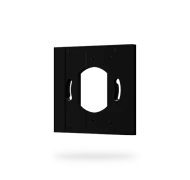
WRE-KU68-BK
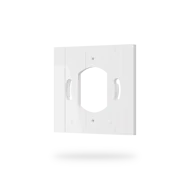
Mounting pad for JA-120E-BK outdoor reader and JA-121E-BK
WRE-KU68-WH
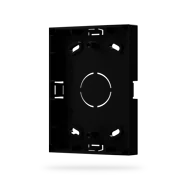
Mounting pad for JA-120E-WH outdoor reader and JA-121E-WH
WRE-SC-BK
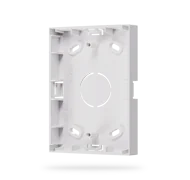
Box for surface cable pulling of the JA-120E-BK and JA-121E-BK keypad
WRE-SC-WH
Box for surface cable pulling of the JA-120E-WH and JA-121E-WH keypad
JS-7902
Curtain lens
Help us improve the catalog
Missing something, or found a mistake? Let us know.